 FiRemote - Fire TV Stick Remote Control App
Your remote is missing.
Your phone isn't.
FiRemote turns your phone into a full Fire TV remote over Wi-Fi: D-pad, trackpad, keyboard, voice search, and casting, with no IR blaster and nothing to set up.
Free to start · Connects in seconds · Zero ads, ever
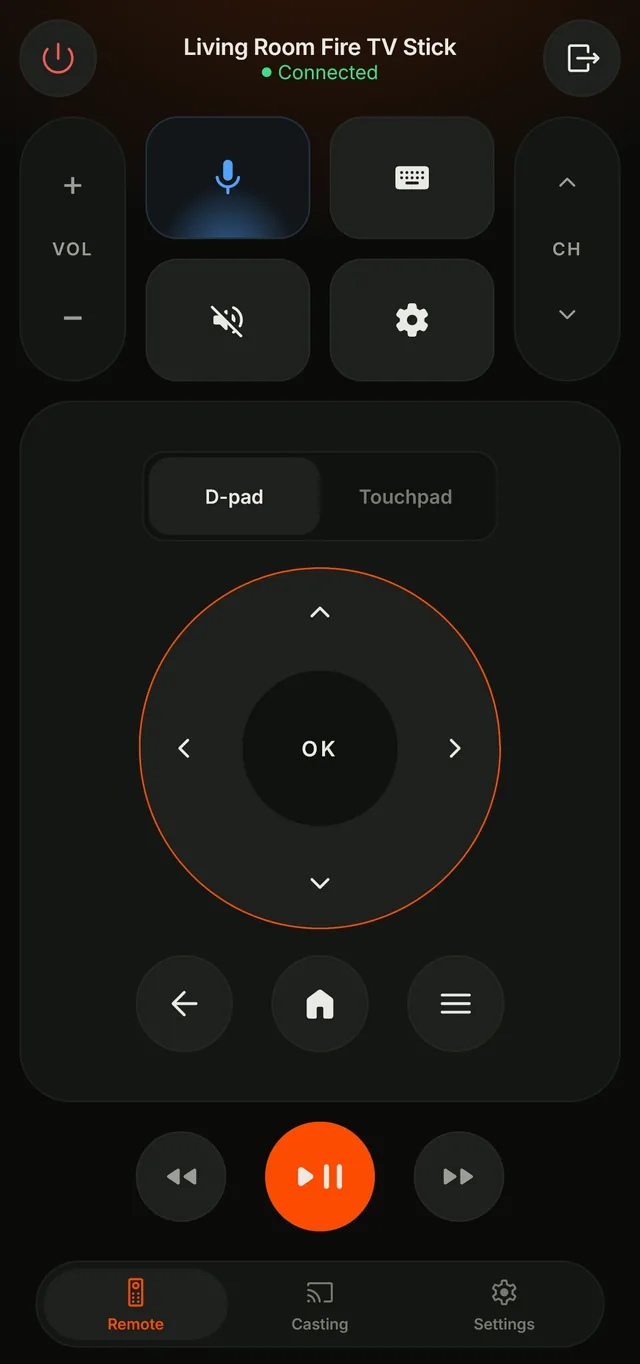
A complete remote, right away
Everything a Fire TV Stick remote does, free and ad-free from the first launch.
Full D-pad navigation
A large OK button and precise directional control, just like the physical remote.
Trackpad mode
Drag to move the highlight and tap to select, which is faster than the D-pad in busy menus.
Back, Home & Menu
Every navigation button you rely on, one tap away.
Playback controls
Play, pause, rewind, and fast forward without reaching for the couch cushions.
Volume & channel
Volume up, down, mute, and channel up or down, plus power on and off.
Keyboard input
Type search terms, sign-ins, and Wi-Fi passwords with a real keyboard instead of a D-pad.
Do more than a physical remote ever could
Two upgrades, included with a subscription, that make FiRemote worth keeping in your pocket.
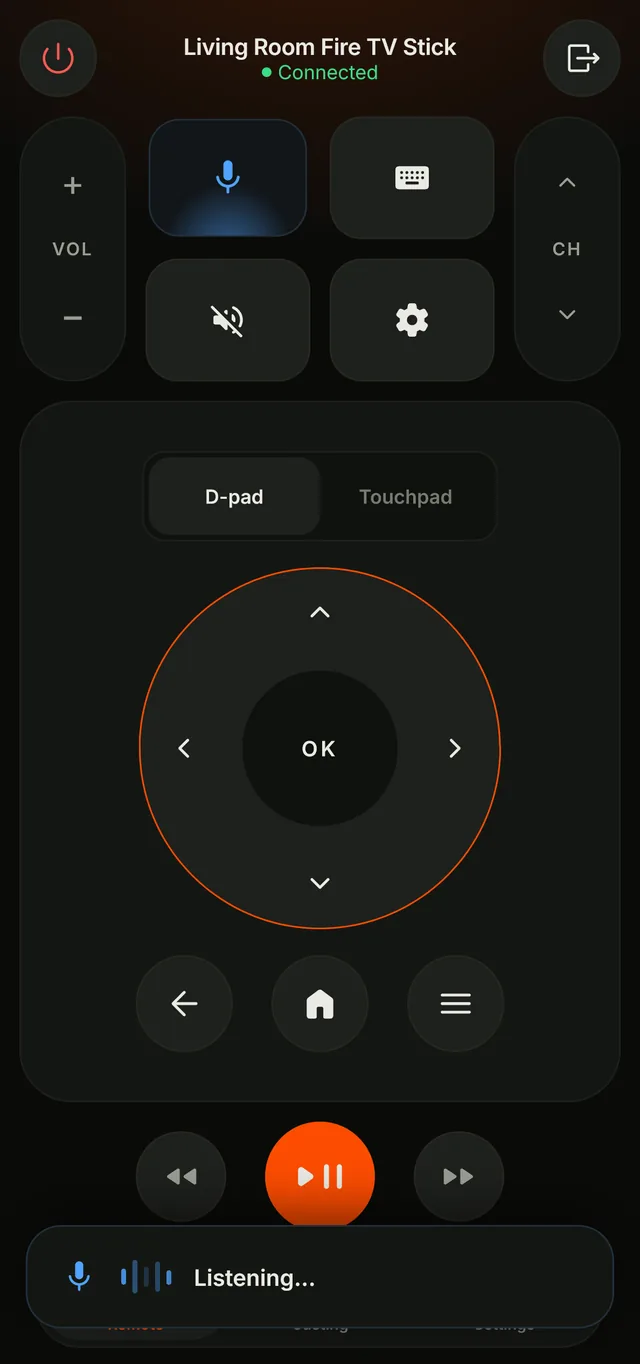
Talk to search, hands-free
Speak into your phone to open apps or jump straight to a show, especially handy for titles nobody wants to spell out with arrow keys.
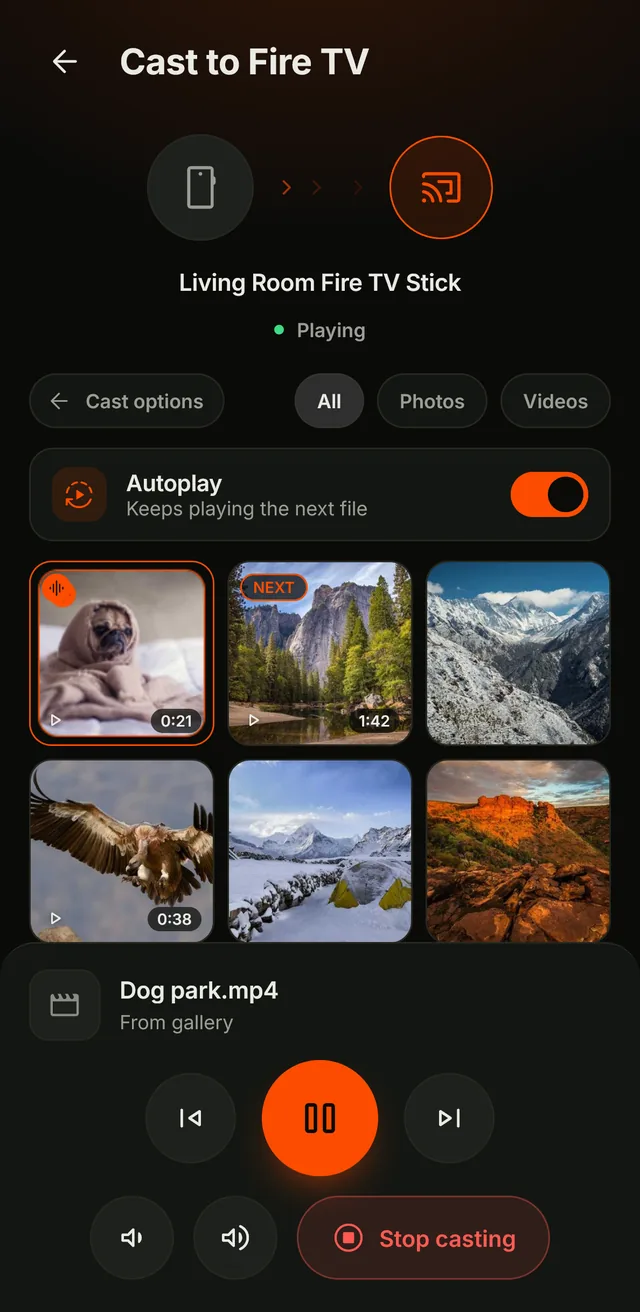
Cast photos and videos to the big screen
Send media straight from your phone's gallery over the same Wi-Fi link the remote uses, no receiver app or cables needed.
What you get, at every tier
The complete remote is free forever, and a subscription adds the extras. Either way, there are no ads.
The complete remote
Everything you'd expect from a Fire TV Stick remote.
- check_circle D-pad, Back, Home, Menu, and power
- check_circle Playback, volume, and channel controls
- check_circle Trackpad mode
- check_circle Keyboard input
- check_circle Zero ads
Everything, plus
Cancel anytime in Google Play under Subscriptions.
- check_circle Everything in Free
- check_circle Voice search
- check_circle Cast photos and videos
- check_circle Still zero ads
Two ways to connect
Pick a device, enter the PIN it shows, and the remote is live.
Flash Default
There's nothing to set up or enable: pick your device, type the PIN it shows on screen, and you're connected in seconds.
Classic Backup
For the rare device Flash can't reach, it needs Developer Options and ADB debugging turned on in Fire TV settings.
Works with every Fire OS device in the house
Stop hunting for the remote.
Open FiRemote, tap your device, enter the PIN, and you're in control.